
Long video in. Ranked clips out.

First video free when you sign up
How it works
No timeline scrubbing, no guessing which bit was the good bit. Four steps, start to posted.






Scheduling that posts
Schedule it. It actually posts.
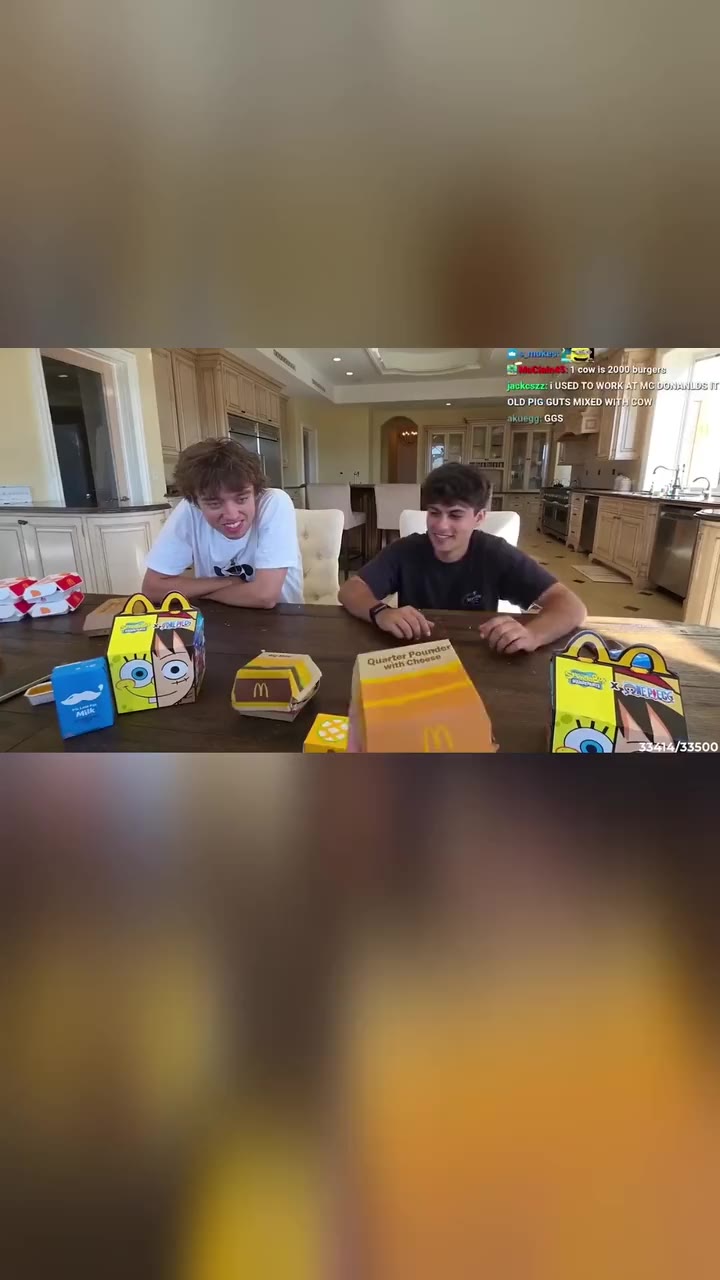
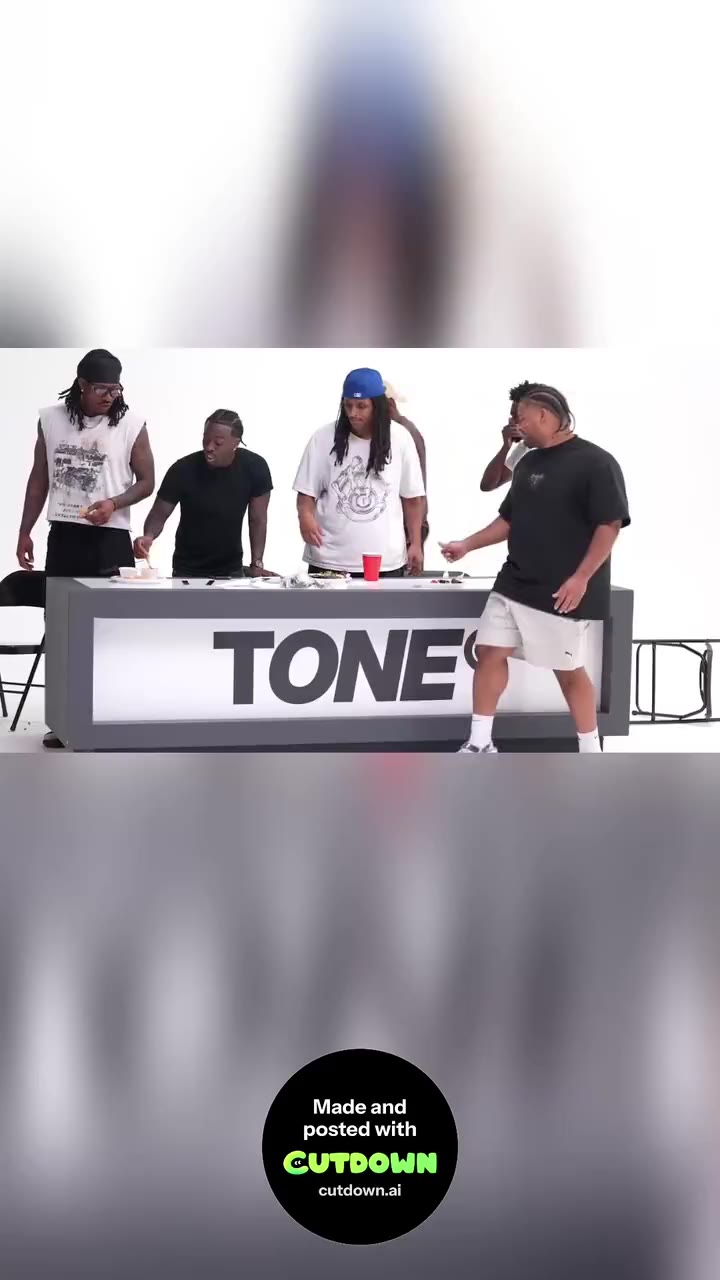
A lot of tools stop at the download button, or just remind you when it's time. Cutdown puts the clip on your account at the time you pick, so you can line up a week of posts in one sitting and walk away.

01Real uploads, not remindersThe video goes to your account itself. Nothing to download, nothing to re-upload.
02Posts with your laptop closedOnce it's scheduled, it goes out on time even if your laptop is shut.
03Retries if a platform stallsA post that fails is tried again, and the calendar tells you if anything needs you.
04See how it didEach post's link and its views come back to your calendar.
YouTube ShortsLiveTikTokLiveInstagram ReelsLive
The clippers on Cutdown, and what they've put up so far.
- 450
- clippers on Cutdown
- 120M+
- views generated
- 20,000
- clips generated
Frequently asked questions
Everything people ask before they trust a clipping tool with an hour of footage.
What is Cutdown?
Cutdown is an AI clipping tool. You drop in a long video — a stream, a podcast, a talking-head recording — and it finds the moments worth posting, cuts them into vertical clips with captions, scores each one, and lets you schedule them to post straight to your accounts.
How does Cutdown pick the best clips?
Every clip gets a score out of 100 and four grades: Hook (do the first seconds make people stay), Flow (one clean thought at a good pace), Value (does it pay off before people swipe) and Trend (would someone share it). The top-ranked clip is the one most likely to take off.
Can Cutdown schedule and post clips for me?
Yes. Pick a day and time for each clip and it is uploaded to your account and published at that time, laptop open or not. YouTube Shorts is live today; TikTok and Instagram Reels are coming soon. The calendar shows what is queued, what has posted, and each post's link.
What does it cost?
The first video is free, with no card needed. After that, plans start at $12 a month and include a monthly credit allowance; one credit covers one minute of video. Editing and exporting are free because they run on your own computer.
Does my video get uploaded anywhere?
Your video never gets uploaded. To find clips, only the audio is sent out to be transcribed — the picture stays on your machine. Scoring, editing, captions and export all happen inside your browser.
Which video formats and platforms work?
Anything your browser can play — MP4 and MOV cover almost everything. Clips come out as MP4 in 9:16, 1:1 or 16:9, with captions burned in, sized for TikTok, Instagram Reels and YouTube Shorts.
Can I use the clips commercially?
They are your clips, cut from your footage, and Cutdown claims nothing over them. AI voices and images generated through the built-in tools are yours to use under the provider's licence.
Does it need a fast computer?
A reasonably modern laptop is enough. The heavy steps run in a background worker so the page stays usable, and nothing is rendered on a remote machine.
Start free

One long video in, a handful of ranked clips out — each with a plain answer to “will people actually watch this?”